Hi, I’m Joakim, and welcome to TopGadgetGuide.net. You’ve just spent a fortune on a brand new 4K TV or the latest gaming console. You get it home, plug it in, but something feels… off. The culprit is often the one thing most people overlook: the humble HDMI cable. Using the right cable is crucial for getting the best possible picture and sound. After digging through the technical specs and user reviews on Amazon, I’ve created this simple guide to the 5 best types of HDMI cables to ensure you’re getting every pixel and every bit of performance you paid for.
(Want to know how I review my gadgets? Read my full review process here.)
Comparison Table (Top 3 Picks)
| Product Image | Product Name | Best for | Our Rating (out of 5) | Shop Now |
 | The High-Speed HDMI 2.0 Cable | Most 4K TVs and streaming devices | 4.8 / 5 |  |
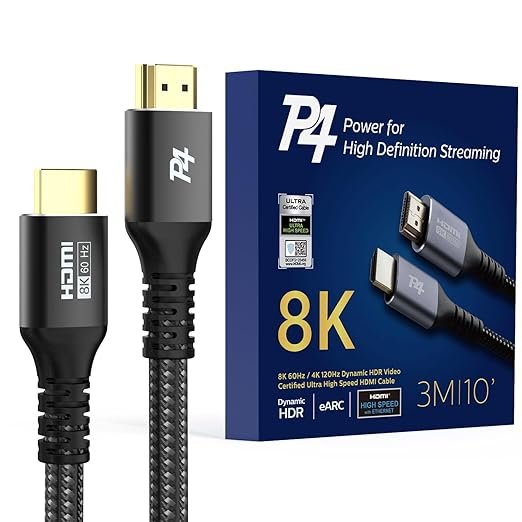 | The Ultra High-Speed HDMI 2.1 Cable | PS5, Xbox Series X, and 8K TVs | 4.7 / 5 | |
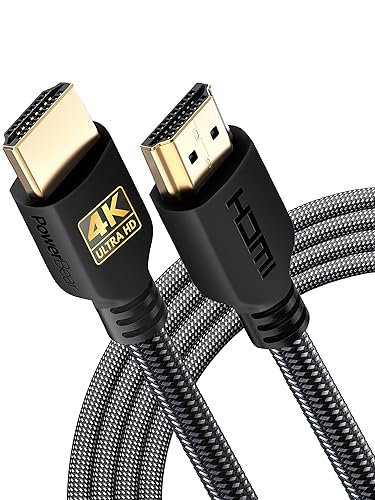 | The Braided Nylon HDMI Cable | Durability and frequent plugging/unplugging | 4.6 / 5 | |
Detailed Product Reviews
1. The High-Speed HDMI 2.0 Cable (4K/60Hz)
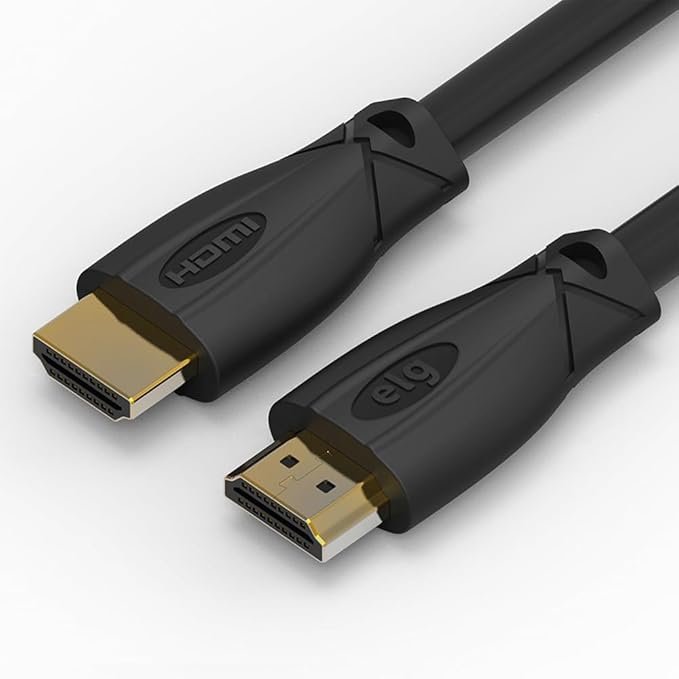
Our Top Pick: ELG High-Speed HDMI 2.0 Cable
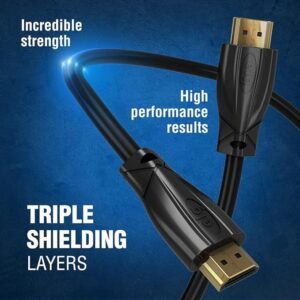
Quick Specs:
- Bandwidth: 18 Gbps
- Resolution: 4K at 60Hz
- HDR Support: Static HDR (HDR10)
- Best For: Streaming (Apple TV/Roku) & PS4/Xbox One
Description:
This is the reliable standard and the right choice for the vast majority of users. A certified High-Speed HDMI 2.0 cable is guaranteed to handle the bandwidth required for 4K resolution at a smooth 60 frames per second (60Hz), which is the standard for modern TVs, streaming devices like Apple TV, and consoles like the PlayStation 4 Pro.
Pros:
- The perfect, affordable choice for all standard 4K viewing.
- Widely available and very inexpensive.
- A reliable and proven technology.
Cons:
- Not certified for the most advanced features of next-gen consoles (like 4K at 120Hz).
- May not support the newest audio formats.
Why it’s on this list:
It’s the best all-around cable for most people’s needs, providing perfect 4K picture quality for streaming and general viewing without costing a fortune. It’s the perfect replacement cable for devices like the Google Chromecast with Google TV if you need a longer reach than the included one.

2. The Ultra High-Speed HDMI 2.1 Cable (8K/60Hz & 4K/120Hz)
Our Top Pick: P4 Ultra High-Speed HDMI 2.1 Cable
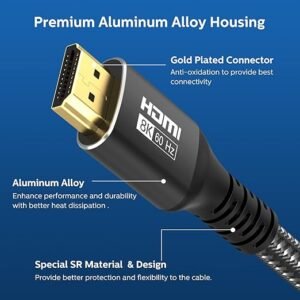
Quick Specs:
- Bandwidth: 48 Gbps
- Resolution: 8K at 60Hz / 4K at 120Hz
- Features: eARC, VRR (Variable Refresh Rate) & Dynamic HDR
- Best For: PS5, Xbox Series X & High-end PC Gaming
Description:
If you own a PlayStation 5, an Xbox Series X, or a high-end gaming PC, this is the cable you absolutely need. An Ultra High-Speed HDMI 2.1 cable is the only way to unlock the most advanced features, like ultra-smooth 4K gaming at 120 frames per second (120Hz) and future-proof 8K video. It’s a must-have for getting the maximum performance from your cutting-edge gear.
Pros:
- The only cable that supports 4K at 120Hz for next-gen gaming.
- Future-proof for 8K TVs and content.
- Supports advanced features like eARC (Enhanced Audio Return Channel) and Variable Refresh Rate (VRR).
Cons:
- More expensive than HDMI 2.0 cables.
- Overkill if your devices don’t specifically support HDMI 2.1 features.
Why it’s on this list:
It is the essential purchase for any serious gamer or home theater enthusiast who wants to unlock the full potential of their modern, high-performance equipment.
3. The Braided Nylon HDMI Cable
Our Top Pick: PowerBear Braided 8K HDMI Cable
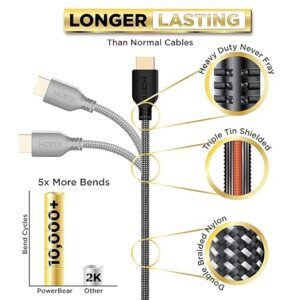
Quick Specs:
- Material: Double-braided Nylon Jacket
- Durability: High (10,000+ bend lifespan)
- Connector: Often reinforced/gold-plated
- Best For: Frequent unplugging & Laptop connections
Description:
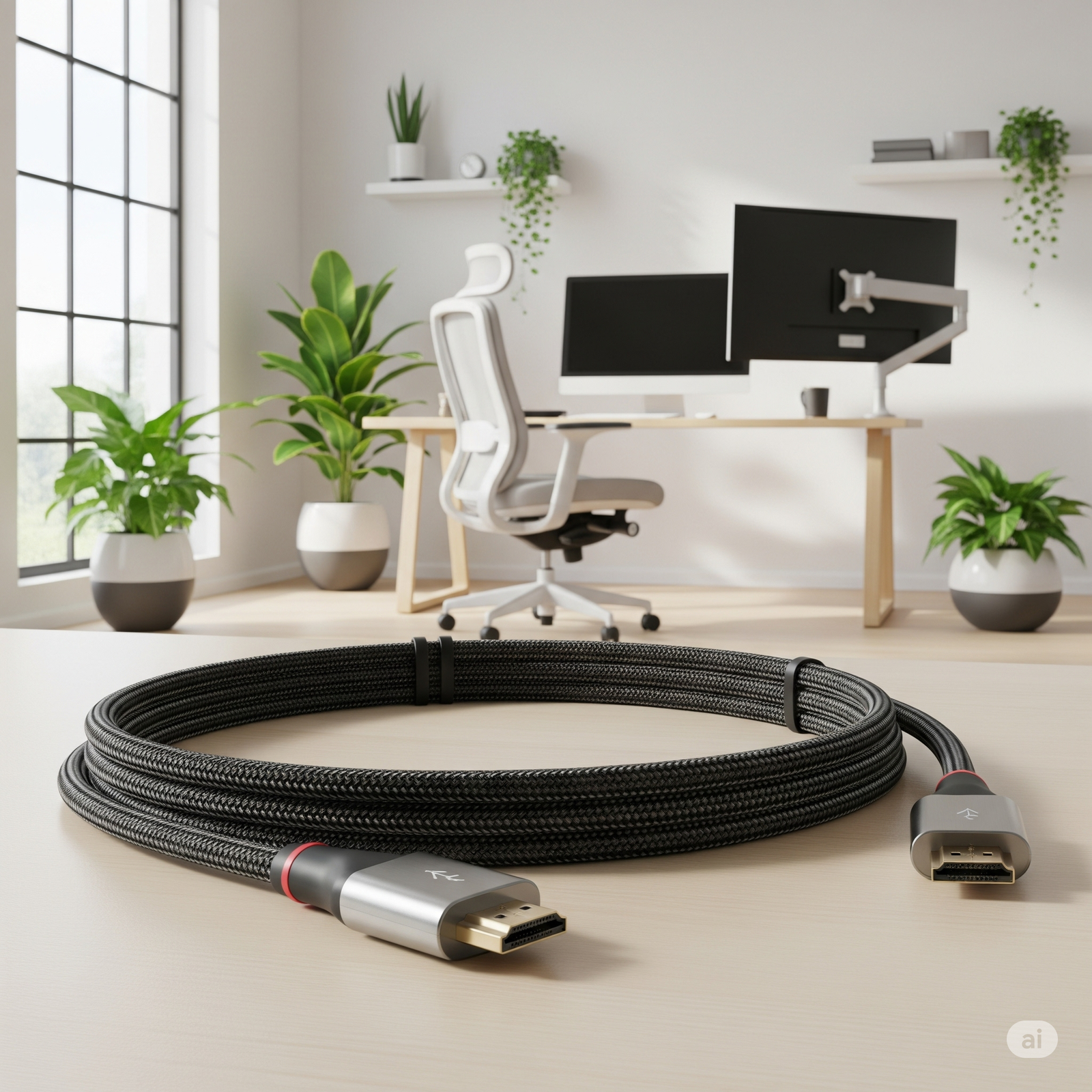
For setups where the cable might be frequently plugged, unplugged, or bent, a braided nylon cable is a smart investment in durability. The tough nylon sheathing protects the internal wires from fraying and damage, making it much more robust than a standard PVC cable. They often come with reinforced connectors, adding to their longevity.
Pros:
- Extremely durable and resistant to tangling, fraying, and daily wear and tear.
- A great choice for connecting laptops or other portable devices to a TV.
- The premium feel often looks better in a visible setup.
Cons:
- The braided jacket makes the cable stiffer and less flexible than standard cables.
- Can be slightly more expensive.
Why it’s on this list:
It’s the best choice for durability, perfect for anyone who needs a tough cable that can withstand the abuse of a dynamic setup.
4. The Long HDMI Cable (15ft / 5m or more)
Our Top Pick: Fosmon High Speed HDMI Cable (25ft)
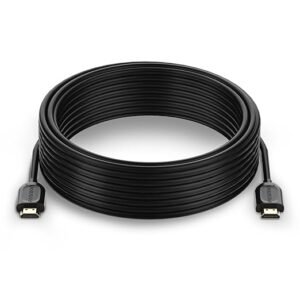
Quick Specs:
- Length: 15ft – 50ft+
- Type: Often “Active” (Signal Booster Chip)
- Directional: Yes (Source end vs Display end)
- Best For: Projectors & Wall-mounted TVs
Description:
Sometimes you just need to cover a long distance, like connecting a computer to a TV across the room or running a cable to a projector. For distances over 15 feet (about 5 meters), it’s important to choose a high-quality, well-shielded cable to prevent signal degradation. Many long cables are “active,” meaning they have a small signal booster built in to ensure a perfect picture. This is the essential cable you need if you are mounting a ceiling unit from our guide on The 5 Best Budget Projectors.
Pros:
- Allows you to connect devices that are far apart.
- Perfect for home theater projectors or complex room layouts.
- A simple solution for a common problem.
Cons:
- Cheaper long cables can suffer from signal loss, leading to a sparkly or unstable picture.
- Can be bulky and difficult to hide neatly.
Why it’s on this list:
It’s the essential problem-solver for any setup that requires connecting devices over a longer-than-standard distance.
5. The HDMI Adapter Cable (e.g., USB-C or Micro HDMI to HDMI)
Our Top Pick: Essential Cables USB-C to HDMI Adapter
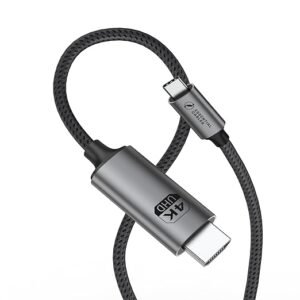
Quick Specs:
- Input: USB-C
- Output: Standard HDMI (Female)
- Resolution: Supports 4K@60Hz
- Best For: MacBooks, Modern Phones (iPhone 15/16) & Tablets
Description:
This isn’t a standard cable, but a converter that lets you connect devices with different ports to your TV’s standard HDMI input. The most common type is a USB-C to HDMI adapter, which is perfect for connecting modern laptops, tablets, and even newer smartphones (like the iPhone 15/16) directly to a big screen.
Pros:
- Lets you easily display content from your laptop, phone, or tablet on your TV.
- Supports high resolution (4K@60Hz) unlike cheaper adapters.
- Perfect for presentations, sharing photos, or watching media from your personal device.
Cons:
- It’s a single-purpose adapter; you still need a standard HDMI cable to connect to the TV.
- You need to ensure your device supports video output via USB-C.
Why it’s on this list:
It’s the ultimate tool for connecting your portable gadgets to your main screen, bridging the gap between your small devices and your big-screen TV. If you need to connect more than just a screen, consider getting a multi-port USB Adapter Hub instead, which often includes an HDMI port alongside USB slots.
My Final Recommendation
For the overwhelming majority of people setting up a new 4K TV, Blu-ray player, or streaming device, the simple High-Speed HDMI 2.0 Cable is all you need.
Don’t fall for marketing hype about “gold-plated connectors” or extreme prices. A certified HDMI 2.0 cable will deliver a perfect 4K picture at 60Hz, and a more expensive one will not make your picture look any better. It’s the reliable, affordable, and correct choice for 95% of home entertainment setups. Only invest in HDMI 2.1 if you are a next-gen gamer who needs 4K/120Hz.

Joakim (A.K.A 'JBH85') is the founder and editor of TopGadgetGuide.net, a site dedicated to simplifying tech and gadget guides. He conducts deep research and careful curation to bring you honest, unbiased, and easy-to-understand recommendations. His goal is to help you buy with complete confidence.
(Want to know exactly how he works? Read his full 'Review Process' here.)