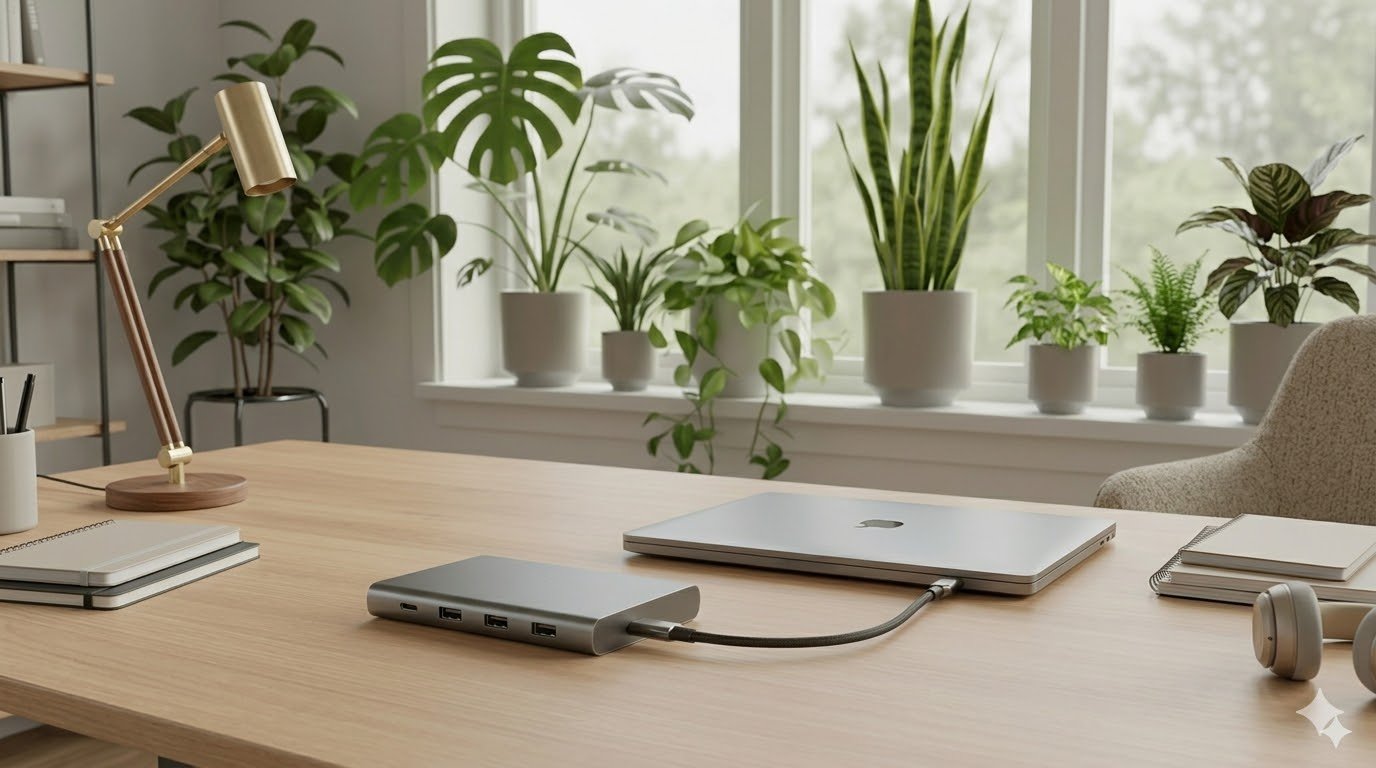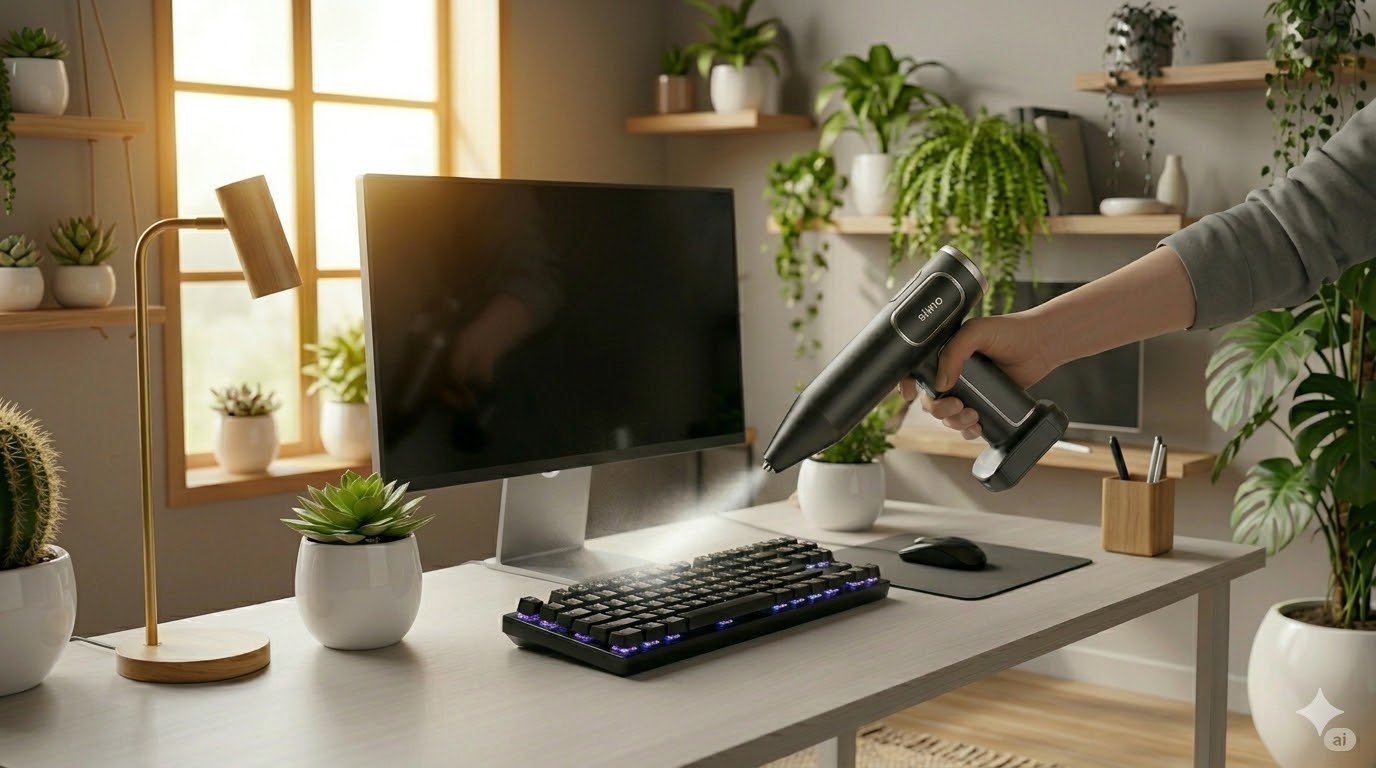

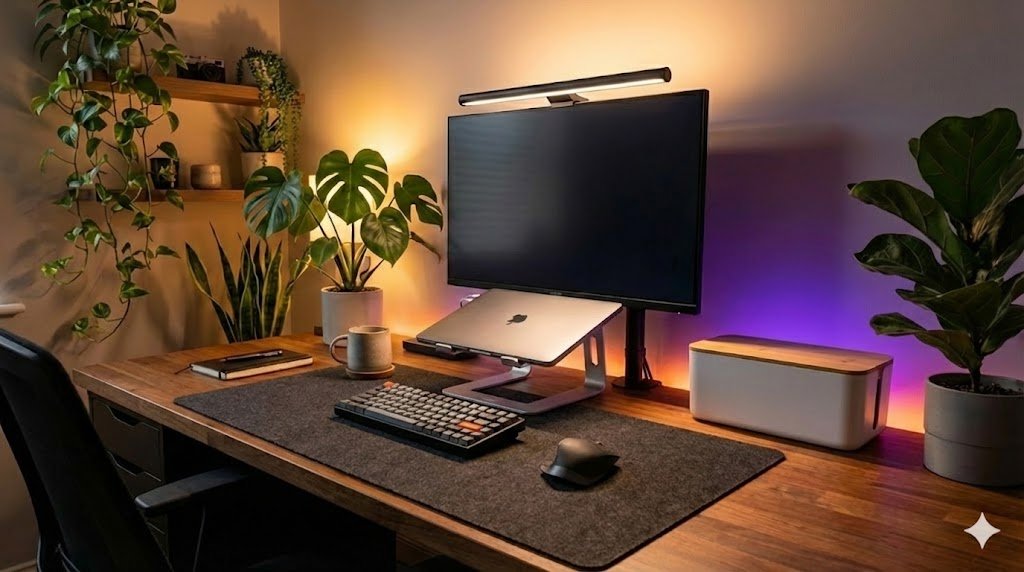
Envious of those perfectly organized, aesthetic workspaces you see on Pinterest and Instagram? You don’t need a massive budget to build your dream home office. Temu is packed with clever desk setup gadgets that hide cables, elevate your monitors, and boost your productivity for a fraction of the cost. I’ve sifted through the noise to find the accessories that actually work. Here are the top picks to upgrade your desk.
(Want to know how I review my gadgets? Read my full review process here.)
Comparison Table (Top 3 Picks)
| Product Image | Product Name | Best For | Our Rating | Shop Now |
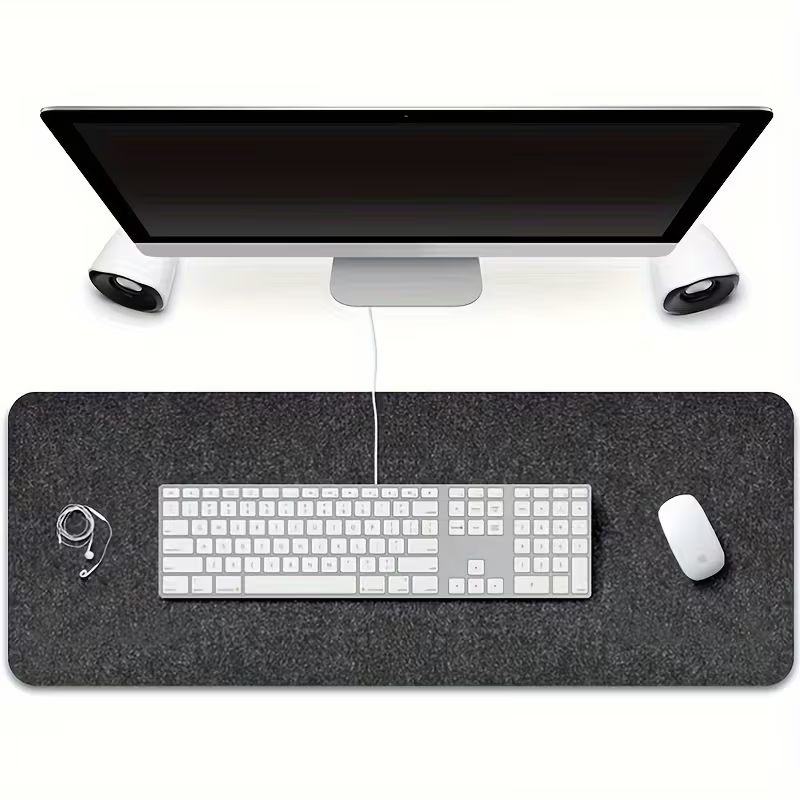 | 1. Large Desk Mat | Foundation & Comfort | 4.8 / 5 |  |
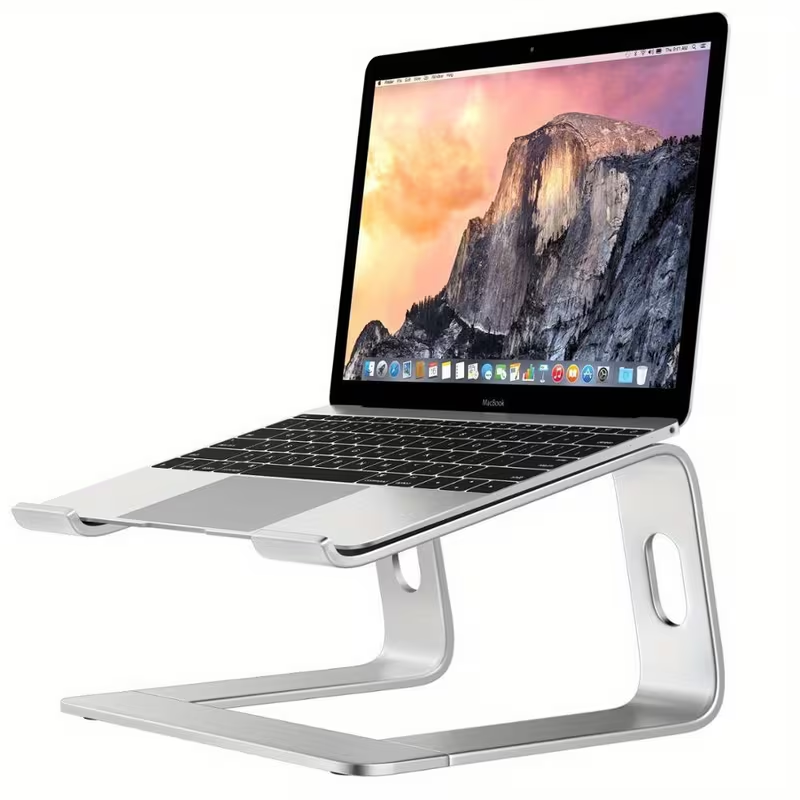 | 2. Aluminum Laptop Stand | Neck Relief & Style | 4.9 / 5 | |
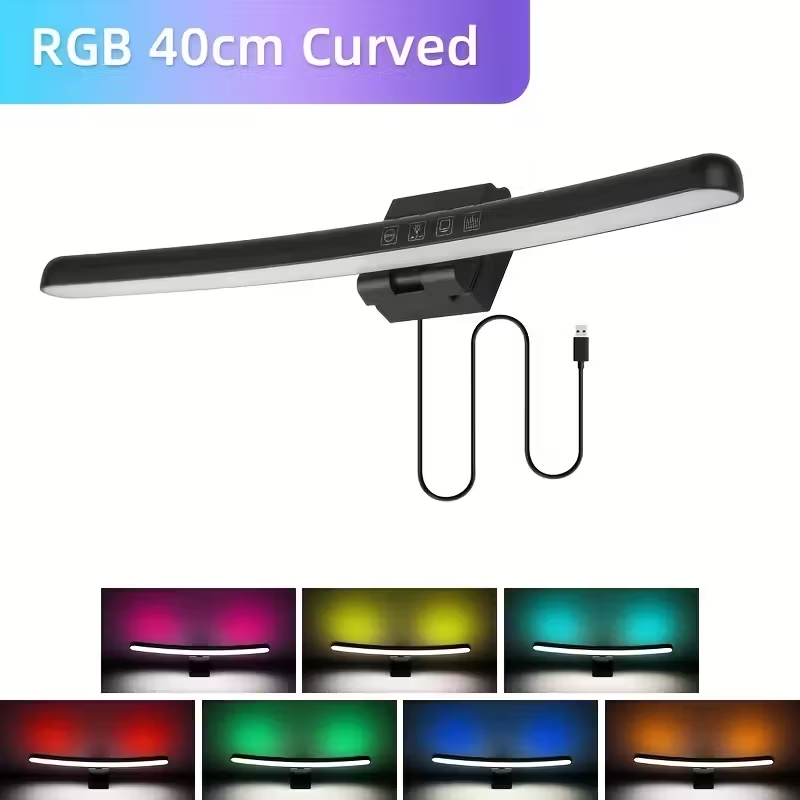 | 3. Monitor Light Bar | Focus & Zero Glare | 4.7 / 5 | |
Detailed Product Reviews
1. The Foundation: Large Extended Desk Mat
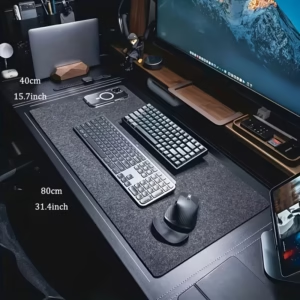
Our Top Pick: XXL Wool Felt Desk Mat (80x40cm)
Quick Specs:
- Material: Soft Wool Felt
- Size: Extended (80x40cm)
- Function: Protects desk & Improves acoustics
- Best For: Instant “Pinterest Aesthetic”
Description: The quickest way to transform a messy desk into a cohesive workspace is with a large desk mat. It acts as a visual anchor, framing your keyboard and mouse while covering up any scratches on your desk surface. This felt version adds a soft, warm texture that contrasts beautifully with modern tech, giving your setup that cozy, high-end “Pinterest” look instantly. It also dampens the sound of your keyboard and creates a much more comfortable resting place for your wrists compared to a cold, hard desktop.
Pros:
- Instant Aesthetic: The dark grey felt material looks incredibly premium and modern.
- Warmth: Felt is softer and warmer to the touch than leather or plastic mats.
- Protection: Keeps your actual desk surface safe from spills, scratches, and heat rings.
Cons:
- Cleaning: Felt mats can attract dust and crumbs more easily than leather (a lint roller is your friend).
- Mouse Sensitivity: Some very sensitive gaming mice might track slightly differently on the textured felt surface compared to a smooth pad.
Why it’s on this list:
It is the single most effective visual upgrade you can buy for under $10. It literally sets the stage for everything else on your desk.
2. The Ergonomic Saver: Aluminum Laptop Stand
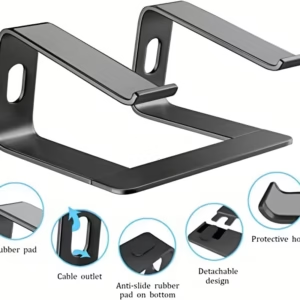
Our Top Pick: Premium Aluminum Alloy Laptop Stand
Quick Specs:
- Material: Aluminum Alloy
- Adjustability: Multi-angle / Height adjustable
- Design: Foldable & Open-back for airflow
- Best For: Neck relief & Cooling
Description:
If you are working directly on a laptop flat on your desk, you are hurting your neck. An aluminum laptop stand lifts your screen to eye level, instantly improving your posture and reducing neck strain. Beyond ergonomics, these stands mimic the look of high-end Apple accessories with their matte metallic finish. The open design also allows for significantly better airflow, keeping your laptop cool. If you often take your laptop setup on the go, don’t forget to pack one of [The 5 Best Portable Chargers & Power Banks on Amazon] to ensure you stay powered up anywhere.
Pros:
- Ergonomics: Raises the screen to eye level to prevent “tech neck” and slouching.
- Cooling: The open structure prevents your laptop from overheating.
- Build Quality: Aluminum stands are sturdy, stable, and look much more premium than plastic alternatives.
Cons:
- External Gear Needed: You effectively need to use an external keyboard and mouse when the laptop is raised.
- Wobble: Cheaper models can wobble slightly if you type aggressively directly on the laptop.
Why it’s on this list:
It’s a functional necessity for health that happens to look incredibly stylish.
3. The Lighting Upgrade: Monitor Light Bar
Our Top Pick: RGB Dimmable LED Monitor Light Bar
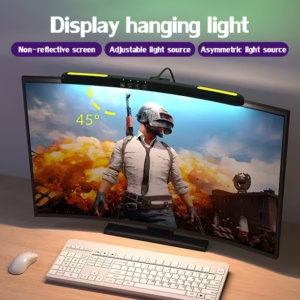
Quick Specs:
- Mounting: Clip-on (Space Saving)
- Light: Adjustable White (Front) + RGB (Back)
- Power: USB-Powered
- Best For: Focused work & Ambient Atmosphere
Description: Forget bulky desk lamps that take up precious space. This monitor light bar clips to the top of your screen and shines light strictly down onto your desk, not on the display. This ensures zero screen glare while perfectly illuminating your keyboard and documents. What sets this specific model apart is the dual-light design: it features professional white light on the front for work, and an RGB backlight on the rear to cast a cool, colorful glow on your wall. It gives your setup that “tech-tuber” look instantly while reducing eye strain during late-night sessions.
Pros:
- 2-in-1 Lighting: You get both a functional task light and an aesthetic mood light in one device.
- Zero Glare: The asymmetric optical design prevents light from reflecting off your screen.
- Space Saving: Takes up zero footprint on your desk since it sits securely on top of the monitor.
Cons:
- Webcam Fit: Can sometimes interfere with the placement of a webcam if your monitor bezel is very thin.
- Cable: Needs a USB port (preferably on your monitor or PC) to power it.
Why it’s on this list:
It provides a “luxury workspace” feel and professional lighting for a fraction of the cost of the big-brand versions like BenQ.
4. The Organizer: Cable Management Box
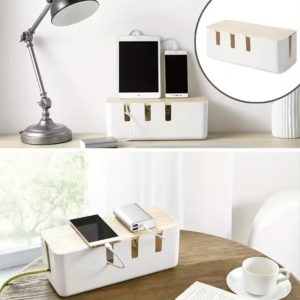
Our Top Pick: Minimalist Cable Box with Wood-Grain Lid
Quick Specs:
- Material: Durable ABS Plastic / Wood-Style Lid
- Capacity: Fits standard power strips (Check dimensions)
- Design: Clean White Body with “Nordic” Wood Top
- Best For: Hiding power bricks & messy cables
Description: Nothing ruins a clean desk setup faster than a tangle of wires. This Cable Management Box is a simple yet brilliant solution: it’s a stylish enclosure that hides your ugly power strip and the excess lengths of power cords. You simply drop your power strip inside, plug everything in, and close the lid. The cords route neatly out of the side slots. The wood-grain lid gives it a warm, Scandinavian look that blends perfectly with modern furniture, making it look like a piece of decor rather than a plastic utility box.
Pros:
- Clean Aesthetics: Instantly hides the visual clutter of power bricks and tangled wires behind a stylish exterior.
- Safety: Keeps electrical sockets away from pets, babies, and spilled drinks.
- Easy Access: You can still easily unplug devices just by lifting the lid.
Cons:
- Size: It fits standard strips, but huge surge protectors might be a tight squeeze (always measure first).
- Plastic Feel: While it looks great from a distance, the “wood” is often a printed pattern on plastic (which makes it durable but less premium to the touch).
Why it’s on this list:
It’s the unsung hero of a clean desk. You can have the best gadgets, but if your cables are messy, the whole setup looks bad. This fixes that problem for the price of a coffee.
5. The Atmosphere: RGB LED Strip Lights
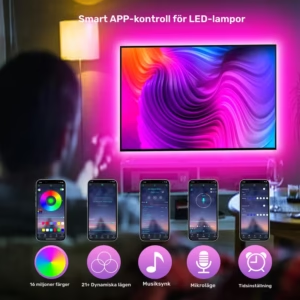
Our Top Pick: Smart App-Controlled RGB LED Strip (USB)
Quick Specs:
- Length: Cut-to-size (fits most desks/monitors)
- Control: Smartphone App (Bluetooth) + Remote
- Power: USB 5V (Plugs into PC or Monitor)
- Best For: Mood lighting & Reducing eye strain
Description: To truly achieve that “YouTuber” or “Pinterest” vibe, you need ambient lighting. This inexpensive RGB LED strip attaches easily to the back of your monitor or along the rear edge of your desk. Unlike cheaper versions that only use a remote, this model connects to an app on your phone, letting you dial in the perfect color temperature to match your wallpaper or setup theme. Beyond looking cool, this creates “bias lighting”—a soft glow behind your screen that reduces eye strain by lowering the contrast between the bright display and a dark room.
Pros:
- App Control: Change colors, brightness, and modes directly from your phone without hunting for a lost remote.
- USB Powered: No need for an extra wall outlet; just plug it into a spare USB port on your PC or monitor.
- Easy Install: Comes with adhesive backing pre-applied; just peel, stick, and trim any excess length with scissors.
Cons:
- Adhesion: Make sure to clean the surface of your desk or monitor thoroughly with alcohol before sticking, or it might peel off over time.
- Bluetooth Range: You need to be relatively close with your phone to change the settings (though it remembers the last state).
Why it’s on this list:
It adds that final “pop” of personality and warmth that makes the desk feel like yours, all for the price of a sandwich.
My Final Recommendation
Building a dream desk setup doesn’t have to cost a fortune.
For the single biggest visual impact, start with the Large Extended Desk Mat (Product 1). It instantly defines your space and makes everything look cleaner.
For ergonomics and health, the Aluminum Laptop Stand (Product 2) is non-negotiable if you work on a laptop.
Once your desk is looking sharp, the most important thing is keeping it clean. A sleek setup attracts dust, so be sure to check out our guide to [The 5 Best Air Dusters on Amazon] to keep your new workspace spotless.

Joakim (A.K.A 'JBH85') is the founder and editor of TopGadgetGuide.net, a site dedicated to simplifying tech and gadget guides. He conducts deep research and careful curation to bring you honest, unbiased, and easy-to-understand recommendations. His goal is to help you buy with complete confidence.
(Want to know exactly how he works? Read his full 'Review Process' here.)