
Searching for reliable Amazon photo printer reviews to bring your digital memories to life? Whether you need a compact Amazon portable photo printer for parties or are trying to find the best Zink printer that doesn’t require messy ink cartridges, we’ve got you covered. We’ve researched and compared the top-rated models on Amazon to help you print vibrant, instant photos on the go.
(Want to know how I review my gadgets? Read my full review process here.)
Comparison Table (Top 3 Picks)
| Product Image | Product Name | Best for | Our Rating (out of 5) | Shop Now |
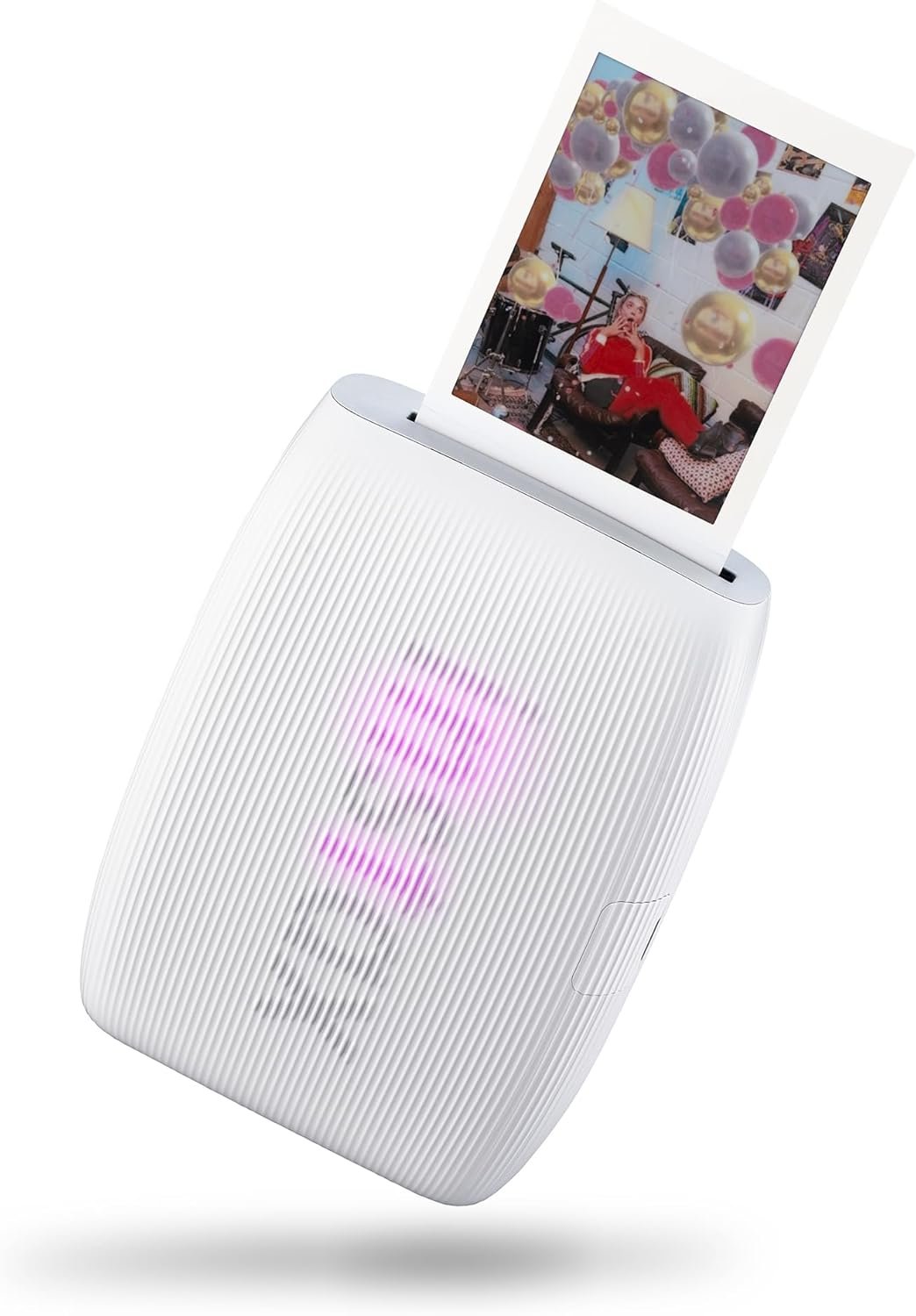 | “The Retro” Instant Film Printer | Fun, Gifting & Retro-Feel | 4.7 / 5 |  |
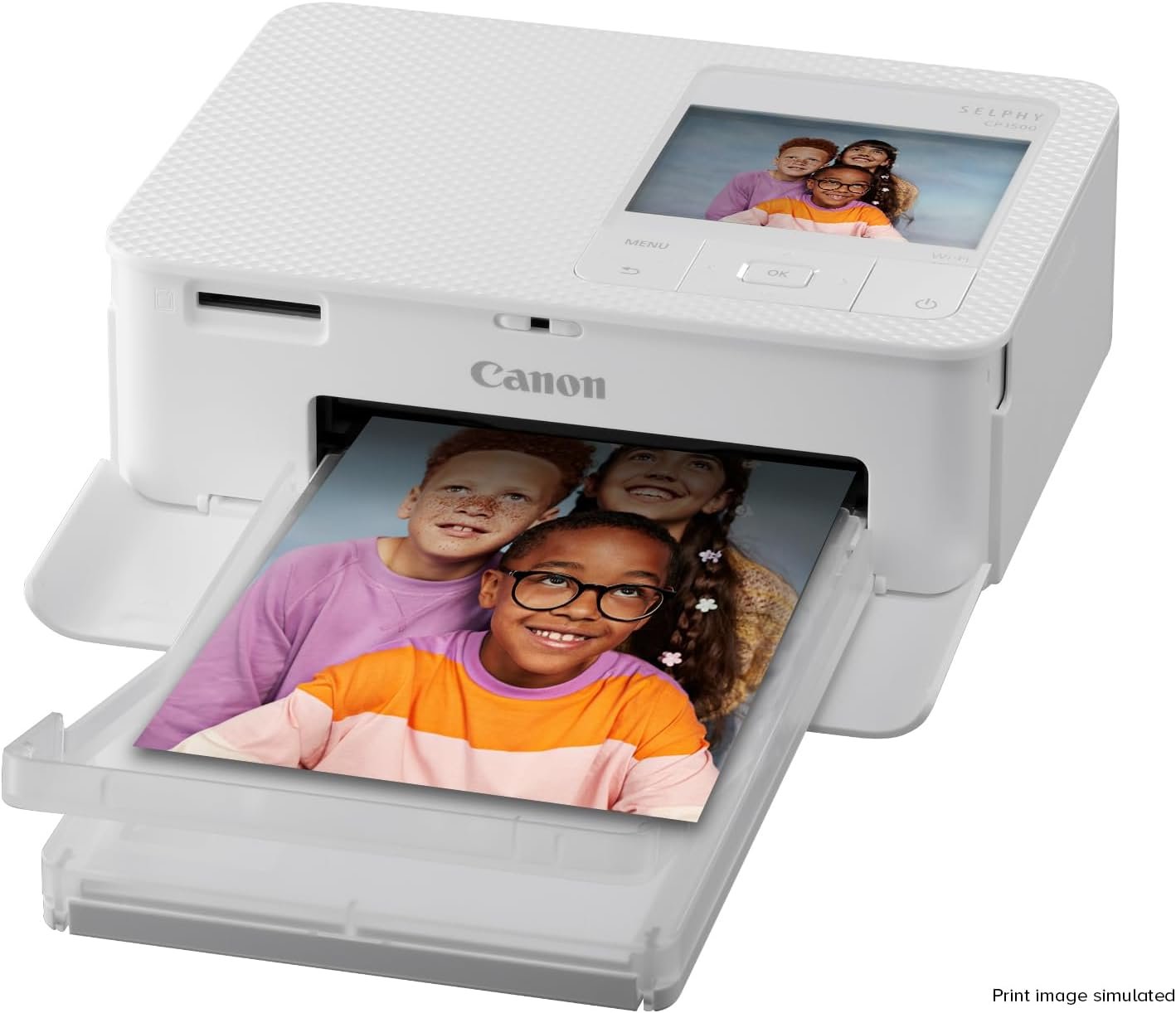 | “The Lab Quality” 4×6 Printer | True-to-Life Photo Quality | 4.8 / 5 | |
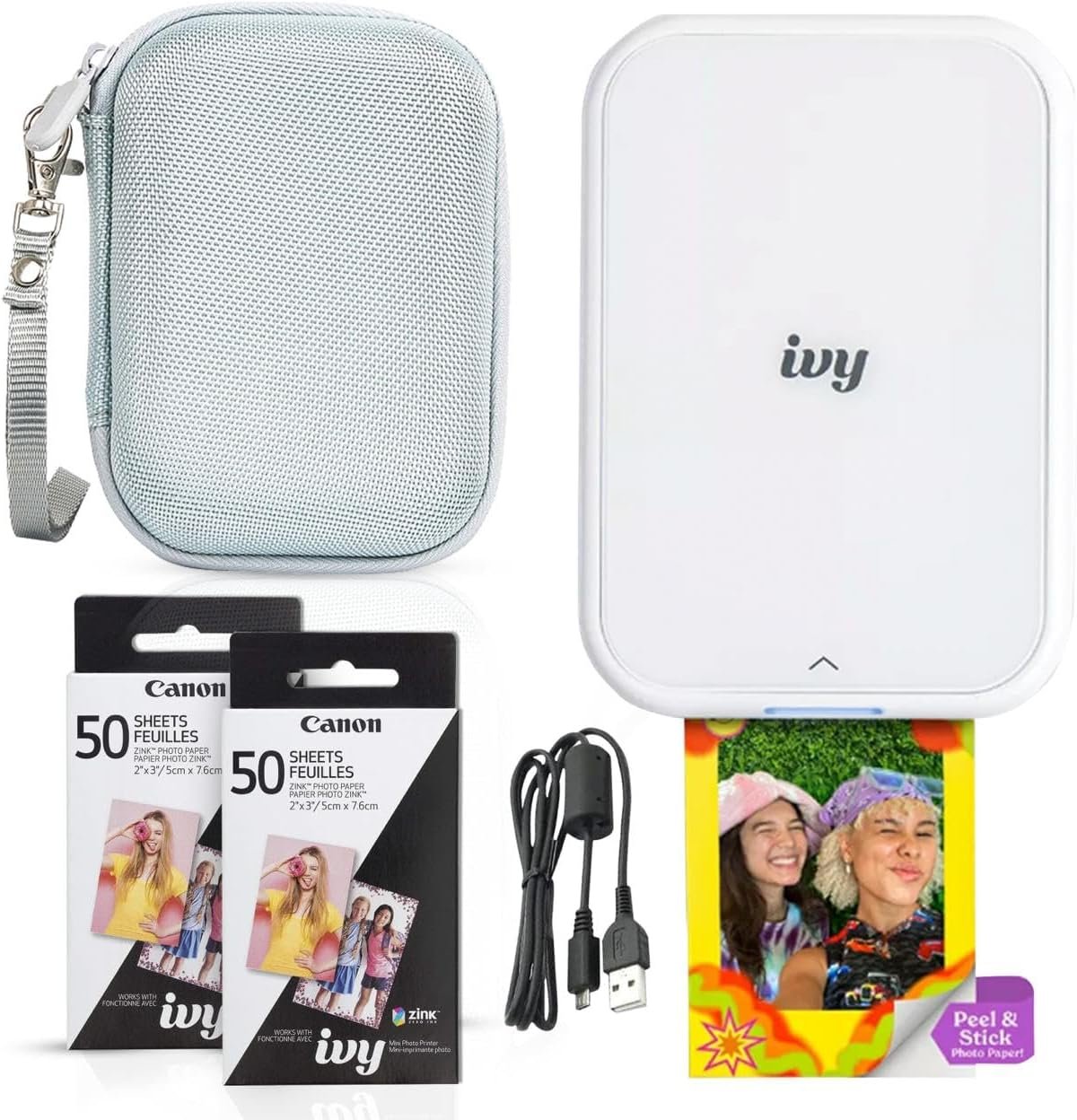 | “The Sticker” Mini Printer (Zink) | Budget & Journaling | 4.5 / 5 | |
Detailed Product Reviews
1. “The Retro” Instant Film Printer
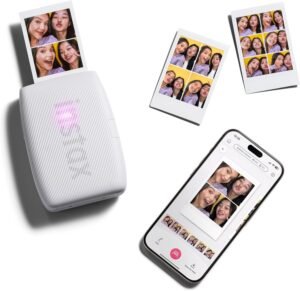
Our Top Pick: Fujifilm Instax Mini Link 3
Quick Specs:
- Technology: Instant Film (Instax Mini)
- Connectivity: Bluetooth & App
- Charging: USB-C (New for Link 3)
- Best For: Fun, Parties & Gifting
Description:
This is the printer you’re probably thinking of. The Instax Mini Link 3 doesn’t use ink; it uses real “instant film” which develops before your eyes in about 90 seconds. It connects to your phone via Bluetooth, allowing you to print snapshots from your camera roll. The new “Link 3” model adds AR (Augmented Reality) features via the “instax AiR Studio” app, letting you add 3D effects to your photos before printing. It’s all about capturing that classic, retro “Polaroid” vibe with the iconic white border.
Pros:
- It’s a Magic Experience: Watching the photo develop is fun, nostalgic, and a guaranteed hit at parties.
- USB-C Charging: Unlike older models, this finally uses the modern USB-C standard for convenient charging.
- Creative App: The app is packed with fun filters, collages, and the new AR photobooth mode.
Cons:
- High Cost-Per-Print: This is the most expensive way to print. You’re buying film, not just paper, and it adds up quickly.
- “Retro” Look: The colors are intentionally stylized and soft, not razor-sharp or perfectly color-accurate.
Why it’s on this list:
This is the best choice for fun, gifting, and sharing. It’s less about perfect photo reproduction and more about capturing a moment. Since this is a party favorite, make sure to bring a [The 5 Best Portable Chargers & Power Banks on Amazon] to keep both your phone and the printer running all night.
2. “The Lab Quality” 4×6 Printer
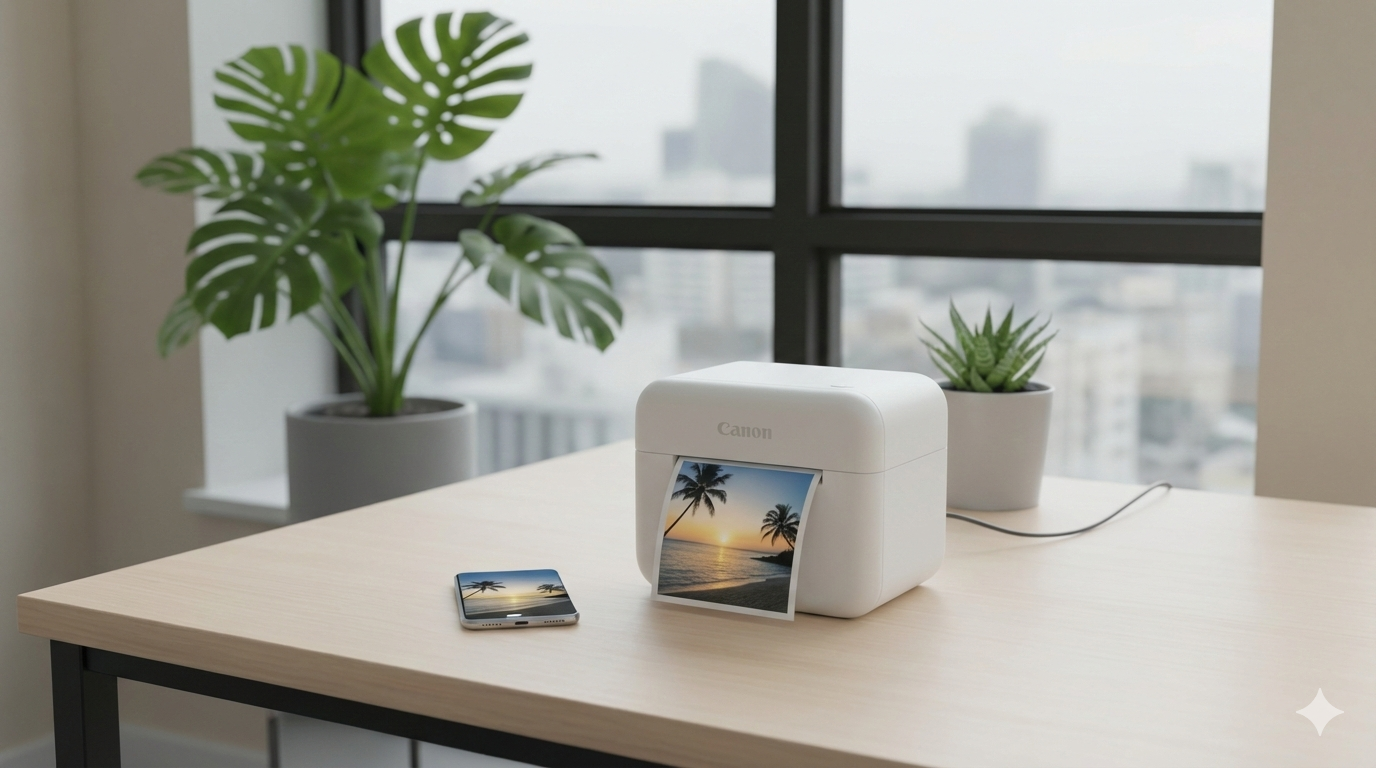
Our Top Pick: Canon SELPHY CP1500
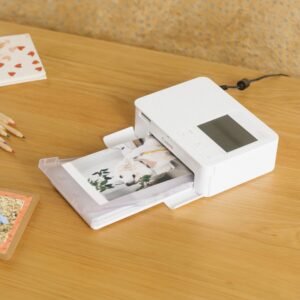
Quick Specs:
- Print Size: Standard 4×6″ (10×15 cm)
- Technology: Dye-Sublimation (Lab Quality)
- Inputs: Wi-Fi, USB-C & SD Card Slot
- Best For: Framing & Photo Albums
Description:
This type of printer is in a different league. Unlike the smaller “toy” printers, the Canon SELPHY CP1500 uses “dye-sublimation” technology. This process prints photos in four distinct layers (yellow, magenta, cyan, and a clear protective coat). The result is a standard 4×6-inch photo that looks and feels exactly like it came from a professional photo lab. It connects easily via Wi-Fi or USB-C, and unlike most others, it has an SD card slot for printing directly from your camera. Before you print your masterpieces, make sure the digital originals are safely backed up on a reliable [The 5 Best Portable SSDs on Amazon].
Pros:
- Unbeatable Quality: The photos are vibrant, waterproof, smudge-proof, and rated to last up to 100 years without fading.
- Standard Size: Prints the classic postcard size (4×6), which is perfect for standard picture frames and albums.
- Versatile: The SD card slot is a huge bonus for photographers who don’t want to transfer everything to their phone first.
Cons:
- Not Truly “Portable”: Out of the box, it must be plugged into a wall outlet. A battery pack is available, but it is sold separately and is quite pricey.
- Consumables: It does not come with ink or paper; you must buy the “Canon RP-108” kit separately.
Why it’s on this list:
This is for the person who prioritizes quality over everything else. If you want to print real, archival-grade photos to frame on your wall, this is the undisputed champion.
3. “The Sticker” Mini Printer (Zink)
Our Top Pick: Canon Ivy 2 Mini Photo Printer
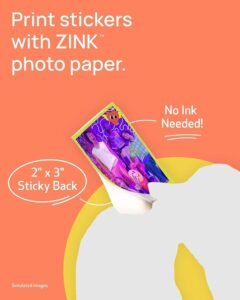
Quick Specs:
- Technology: ZINK (Zero Ink)
- Paper Type: 2×3″ Sticky-backed (Stickers)
- Charging: Fast Charging (45 mins)
- Best For: Bullet Journaling & Scrapbooking
Description:
This is the ultimate in convenience. The Canon Ivy 2 uses ZINK (Zero Ink) technology. There’s no ink cartridge at all—the color crystals are embedded in the paper itself, and the printer uses heat to activate them. Best of all, every single print has a peel-and-stick back. Since you’ll likely be using these for scrapbooking or decorating a journal, you might want a craft knife or precise cutting tool (often found in our [Top Best Precision Screwdriver Kits on Temu]) to trim them into custom shapes.
Pros:
- Every Print is a Sticker: The peel-and-stick back is perfect for scrapbooking, decorating laptops, or personalizing school gear.
- Zero Ink, No Mess: You never have to buy ink cartridges. Just buy a pack of Zink paper and you’re ready to go.
- Super Portable: It’s smaller than a smartphone and charges fully in just 45 minutes.
Cons:
- Good, Not Great Quality: Zink technology has improved significantly with the Ivy 2, but color accuracy is still not quite as vibrant or deep as the Canon SELPHY or Instax prints.
- Only One Size: You are locked into the small 2×3-inch sticker format.
Why it’s on this list:
This is the best budget and most convenient choice. It’s perfect for students, teens, or anyone who loves journaling. It’s a fun, practical, and completely mess-free way to print.
4. “The Premium Sticker” Printer
Our Top Pick: Polaroid Hi-Print 2×3 Gen 2
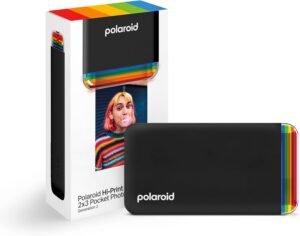
Quick Specs:
- Technology: Dye-Sublimation (Superior Color)
- Paper Type: 2×3″ Sticky-backed Photo Paper
- App: Polaroid Hi-Print App (Filters & Text)
- Best For: High-quality stickers & crafts
Description:
This printer offers the best of both worlds. Like the Canon Ivy, it prints small 2×3-inch photos with a sticky back. However, instead of using Zink technology, the Polaroid Hi-Print uses a miniature dye-sublimation cartridge. This means it prints in 4 passes (Yellow, Magenta, Cyan, Overcoat) to create a photo that is vibrant, sharp, and resistant to fading. It essentially puts the quality of a professional photo lab into a pocket-sized sticker printer.
Pros:
- Excellent Sticker Quality: The dye-sub process creates images that are noticeably sharper and more color-accurate than standard Zink prints.
- Peel & Stick: You still get the convenience of sticky-backed paper, perfect for decorating journals or lockers.
- Design: It has a cool, retro-modern translucent design that stands out.
Cons:
- Cartridges: Unlike Zink (which is just paper), this requires all-in-one cartridges (paper + ink ribbon), which creates a bit more plastic waste.
- Speed: Since it has to pass the paper through 4 times to add each color layer, it takes a little longer (under 50 seconds) than a Zink printer.
Why it’s on this list:
This is the “premium sticker” choice. If you love the idea of small stickers but find Zink photos too grainy or dull, this is the perfect upgrade.
5. “The WIDE Format” Instant Printer
Our Top Pick: Fujifilm Instax Link WIDE

Quick Specs:
- Format: Instax WIDE Film (Double width)
- Image Size: 3.4″ x 2.4″ (Landscape)
- Feature: QR Code Mode (Add sound/links to photos)
- Best For: Group shots & Landscapes
Description:
This printer answers the single biggest complaint about “The Retro” printer: the photos are too small. The Instax Link WIDE uses the same fun, instant-film technology but prints on film that is twice as wide as the standard Mini. This makes it significantly better for group selfies (where you actually want to see everyone’s face) or beautiful landscape shots. It also features a unique QR code mode, letting you print a code on the photo that links to a voice note, a website, or a hidden message.
Pros:
- Large “Retro” Photos: The WIDE format feels much more substantial and is great for display.
- QR Code Integration: A clever way to add digital context (like a “Happy Birthday” voice message) to a physical photo.
- Rich Colors: Offers a “Rich Mode” for more vibrant colors compared to the traditional washed-out instant look.
Cons:
- Bulky Printer: The device itself is larger and heavier (340g) to accommodate the wider film, making it less pocket-friendly.
- Price: Both the printer and the film packs are more expensive than the Mini version.
Why it’s on this list:
This is the best choice for “widescreen” instant photos. If you love the Instax look but want photos that are actually large enough to frame and enjoy properly, the WIDE is the clear winner.
My Final Recommendation
After reviewing all the options, my final recommendation for the absolute best choice for most people is “The Retro” Instant Film Printer (Fujifilm Instax Mini Link 3).
While “The Lab Quality” printer makes better photos and “The Sticker” printer is more convenient, the Instax printer creates the best experience. Printing a photo that develops in your hand is a piece of magic that the other technologies just can’t replicate. It’s the most fun, the most interactive, and the most “gift-worthy” printer on the list.

Joakim (A.K.A 'JBH85') is the founder and editor of TopGadgetGuide.net, a site dedicated to simplifying tech and gadget guides. He conducts deep research and careful curation to bring you honest, unbiased, and easy-to-understand recommendations. His goal is to help you buy with complete confidence.
(Want to know exactly how he works? Read his full 'Review Process' here.)